/create
Build manually with full control
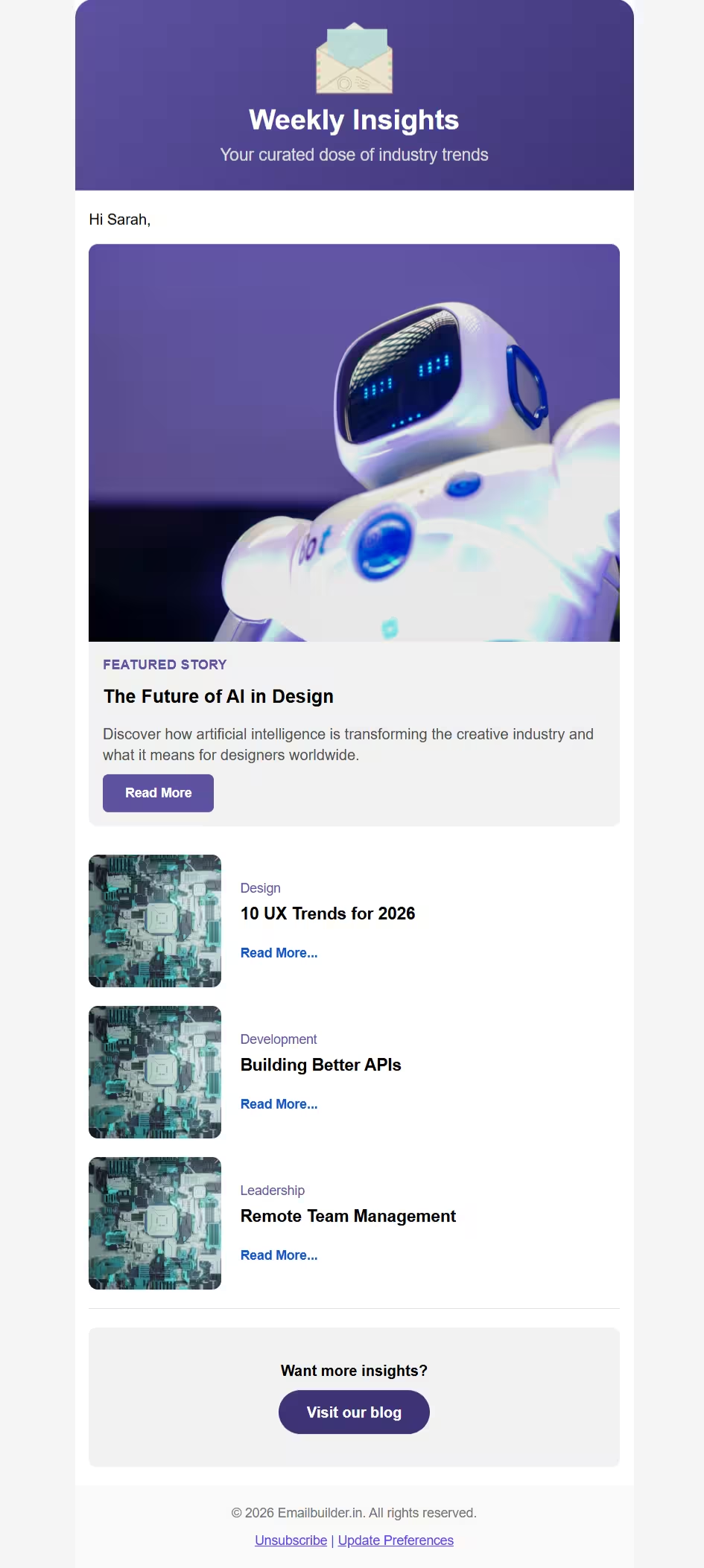
Start from a blank canvas or choose a template, then design your email visually inside the editor.
Start CreatingA free no-code HTML email builder for creating structured, production-ready emails with speed and clarity. Build layouts visually, preview your output, and export email-ready HTML from one focused editor.
Build manually, use a guided flow, or generate with AI. Every path opens into the editor, where you can customize, preview, export HTML, and save your work as JSON.
Start from a blank canvas or choose a template, then design your email visually inside the editor.
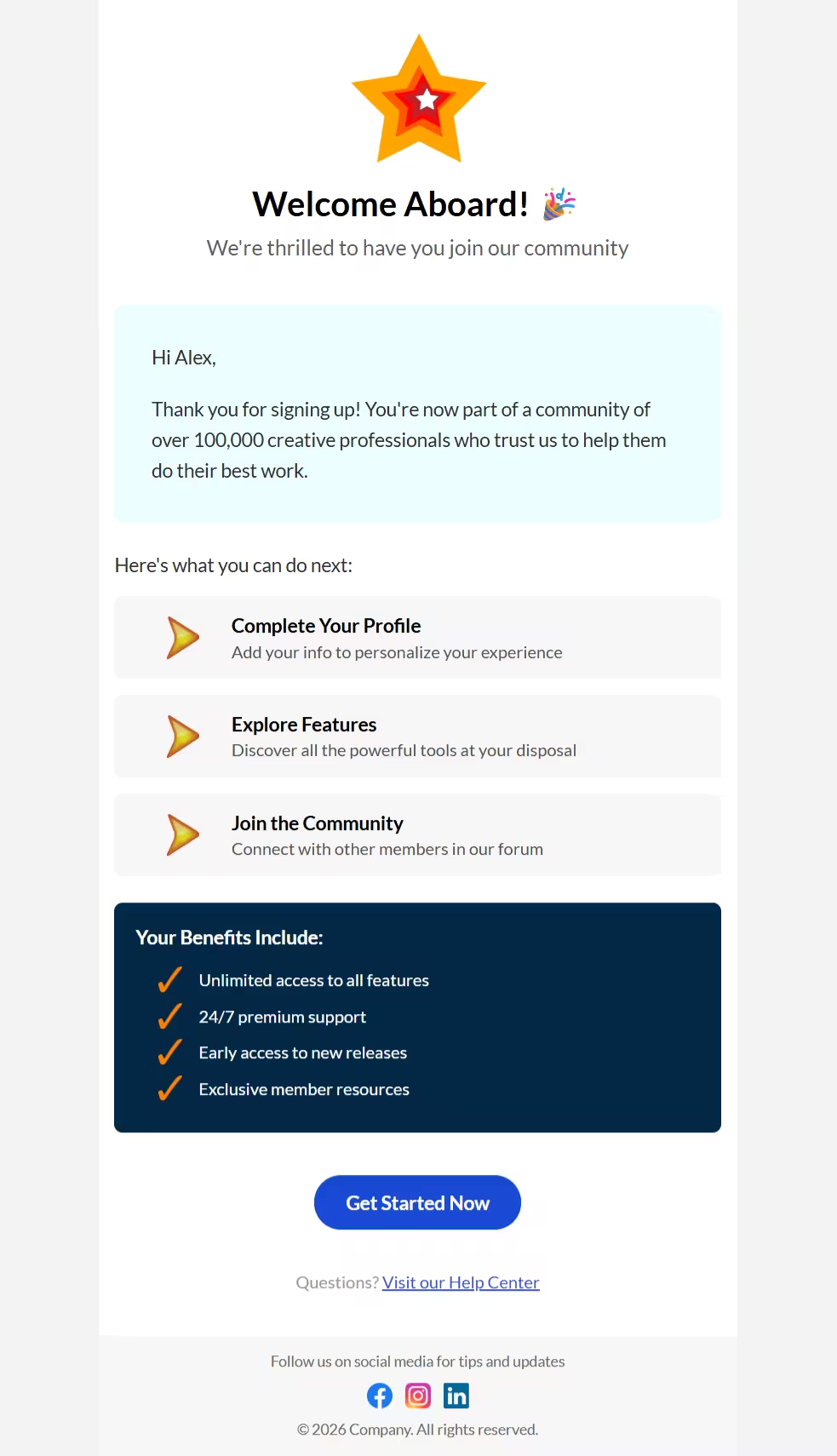
Start CreatingAdd your content, choose the email type, include images, and get a ready-to-edit email structure.
Try Smart CreateDescribe the email you want and create a first draft using limited free AI generations or your own AI API key.
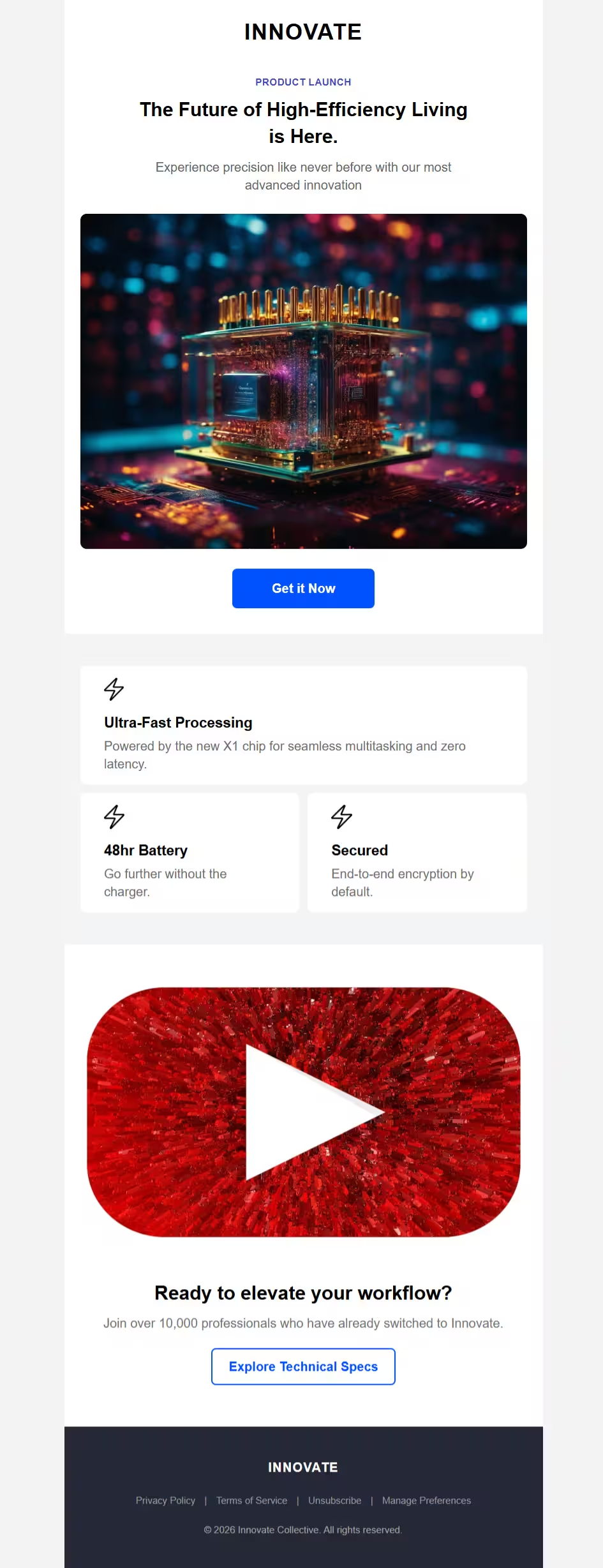
Try AI CreateCreate structured HTML emails with a visual workflow built for speed, clarity, and control. Build layouts, preview your design, and export email-ready HTML without writing code.
Drag, drop, and arrange email components without touching code. Build structured layouts visually in real time.
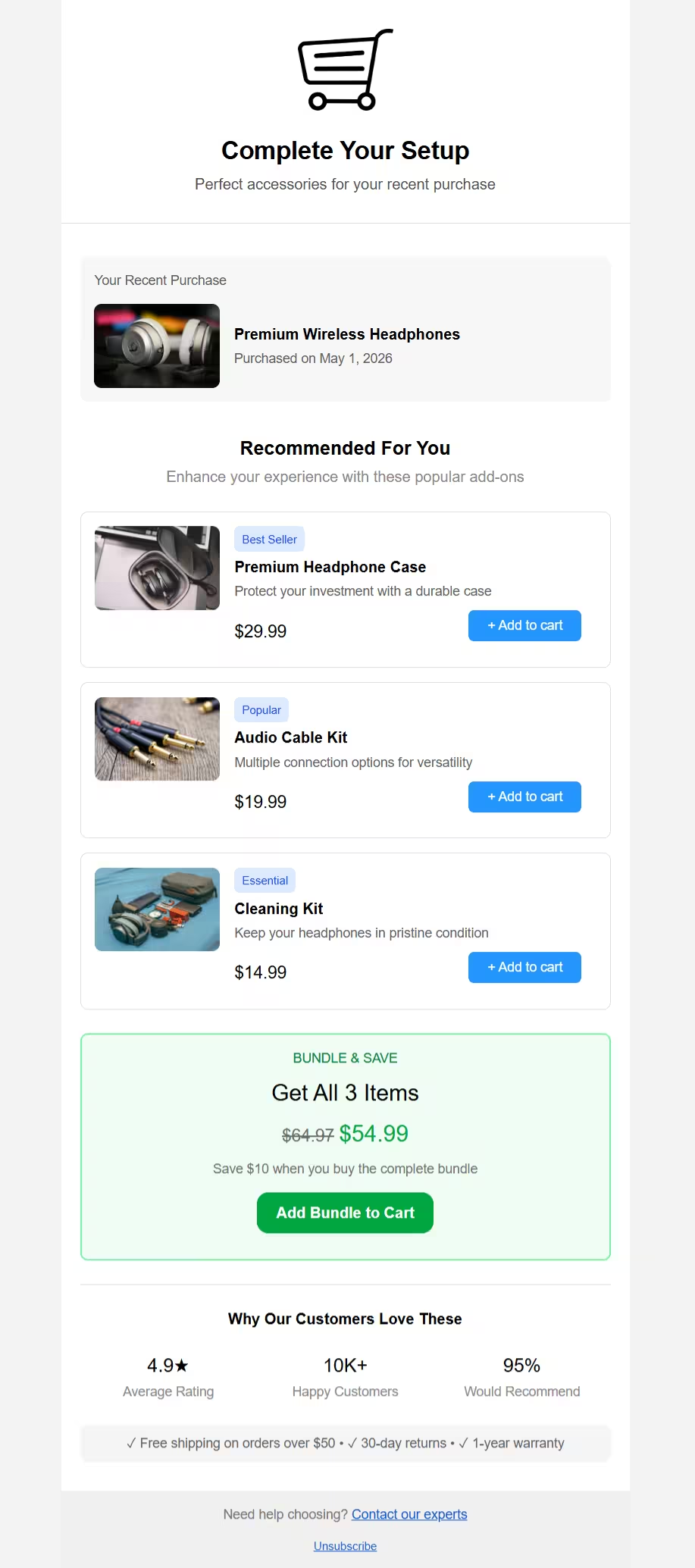
Preview your email before export and review how the layout appears across desktop and mobile views.
Export production-ready, table-based HTML optimized for email clients. Keep full control of clean, editable code.
From concept to code in four simple steps
01
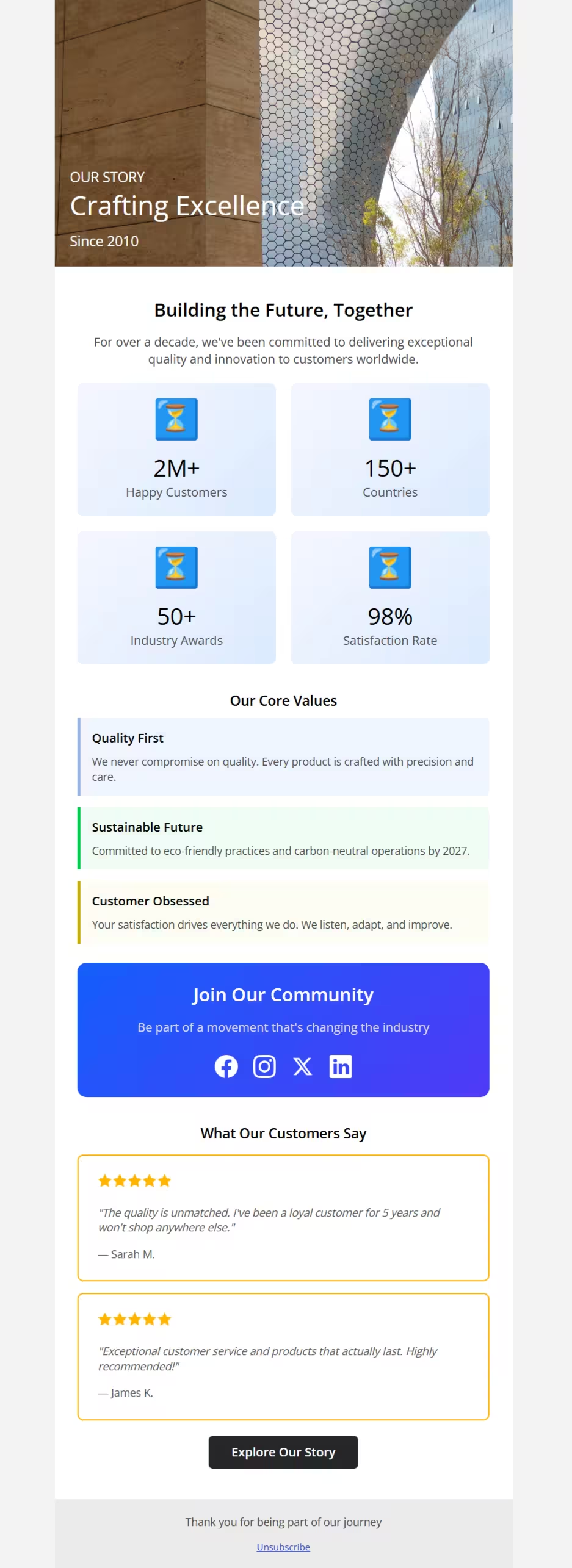
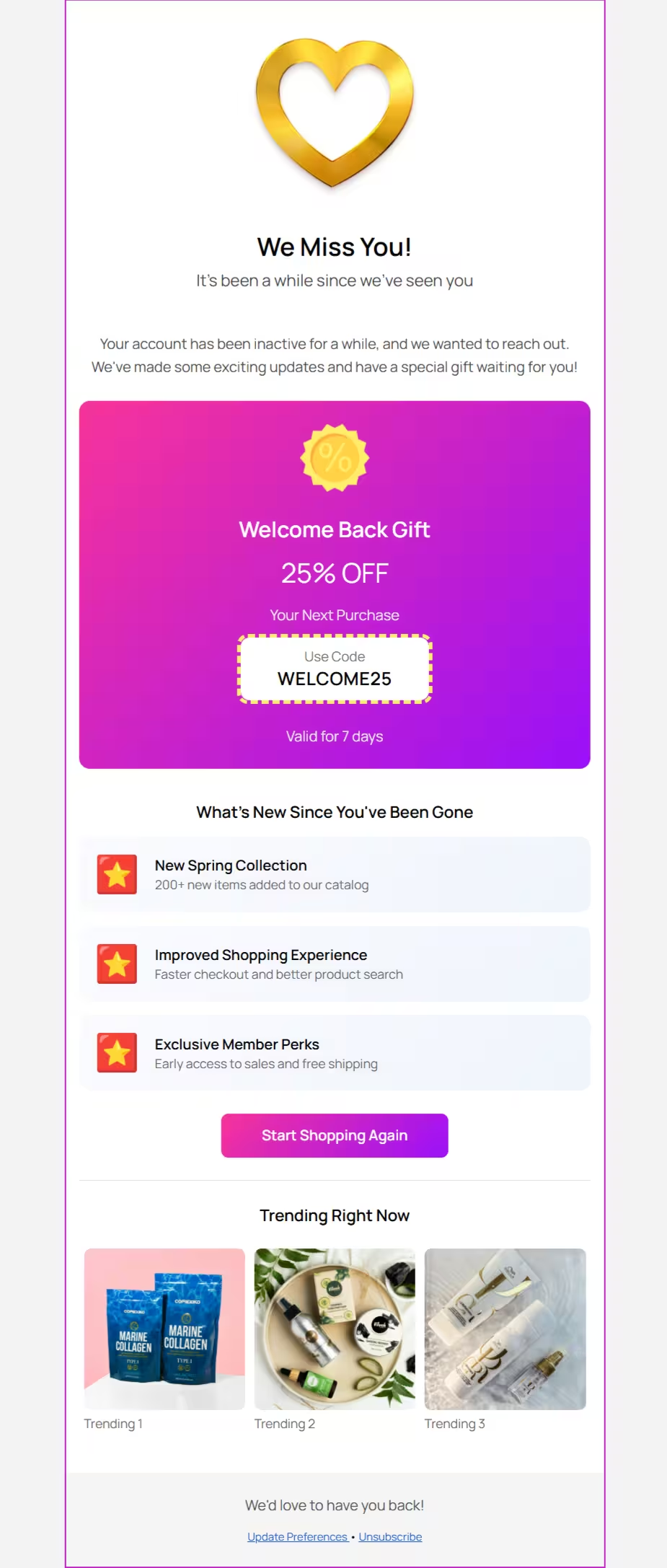
Start with a template or build from scratch
02
Customize text, images, buttons, and more
03
See your email across different viewports
04
Download clean, email-ready code
Start from a ready-made email layout, customize it visually, and export the final HTML when you are done.
Everything you need to create professional HTML email layouts faster, with a focused workflow for building, previewing, and exporting from one place.
Work with rows, columns, text blocks, images, buttons, lists, and tables. All components are email-client tested.
Eliminate repetitive HTML email coding. Start from templates or build from scratch, then create and export layouts with less manual effort.
Customize colors, fonts, spacing, alignment, and layout details visually. Apply brand styling with precision across your email elements.
Get clean, validated, table-based HTML tested across major email clients. Use it directly or customize it further as needed.
Built for anyone who creates HTML email content regularly and wants a faster, clearer way to build, preview, and export.
Create client emailers faster without starting from scratch every time. Deliver professional HTML email layouts with less manual effort.
Build campaign layouts faster with consistent structure. Reduce back-and-forth between marketing, design, and development teams.
Prepare cleaner email layout structures with production-ready HTML. Turn visual direction into usable email output with more confidence.
Skip repetitive email HTML boilerplate. Get a tested, table-based starting point and customize the code further when needed.
Watch how to build, preview, and export HTML emails from one visual workflow.
EmailBuilder.in launched on Product Hunt and reached #7 Product of the Day among 100+ launches. It was a meaningful milestone that reinforced the need for a simpler, focused way to create production-ready HTML emails without sign-up or unnecessary complexity.


If this free tool has been useful to you, you can support its continued improvement. Optional support helps maintain the project and fund thoughtful enhancements over time.
Start creating professional email layouts in minutes. No sign-up, no credit card, completely free.